


Trade Smarter with
PrimeTools
Access a range of free trading indicators designed to help you analyze markets with greater clarity and confidence.
Built for Better Decisions
Max Lot Analyzer (MT5)
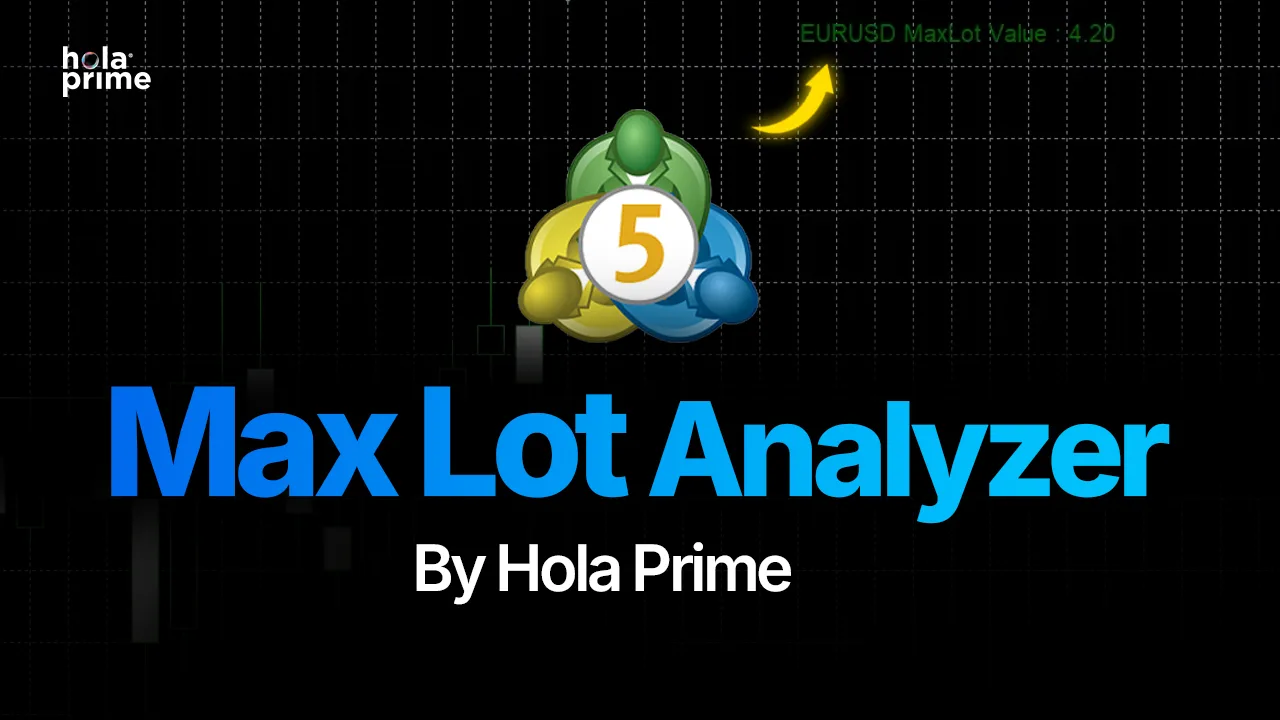
The Max Lot Analyzer helps traders instantly identify the maximum position size they can open based on available margin, instrument being traded, instrument leverage etc. Instead of manually calculating margin requirements, the indicator displays your maximum allowable lot size directly on the chart.
 Instantly view your maximum tradable lot size
- Avoid margin-related order rejections
- Understand how leverage impacts position sizing
- Monitor available trading capacity in real time
- Improve risk management decisions
- Trade with greater confidence
- Works across multiple forex pairs and other instruments
- Updates automatically as account equity changes
Risk Analyzer
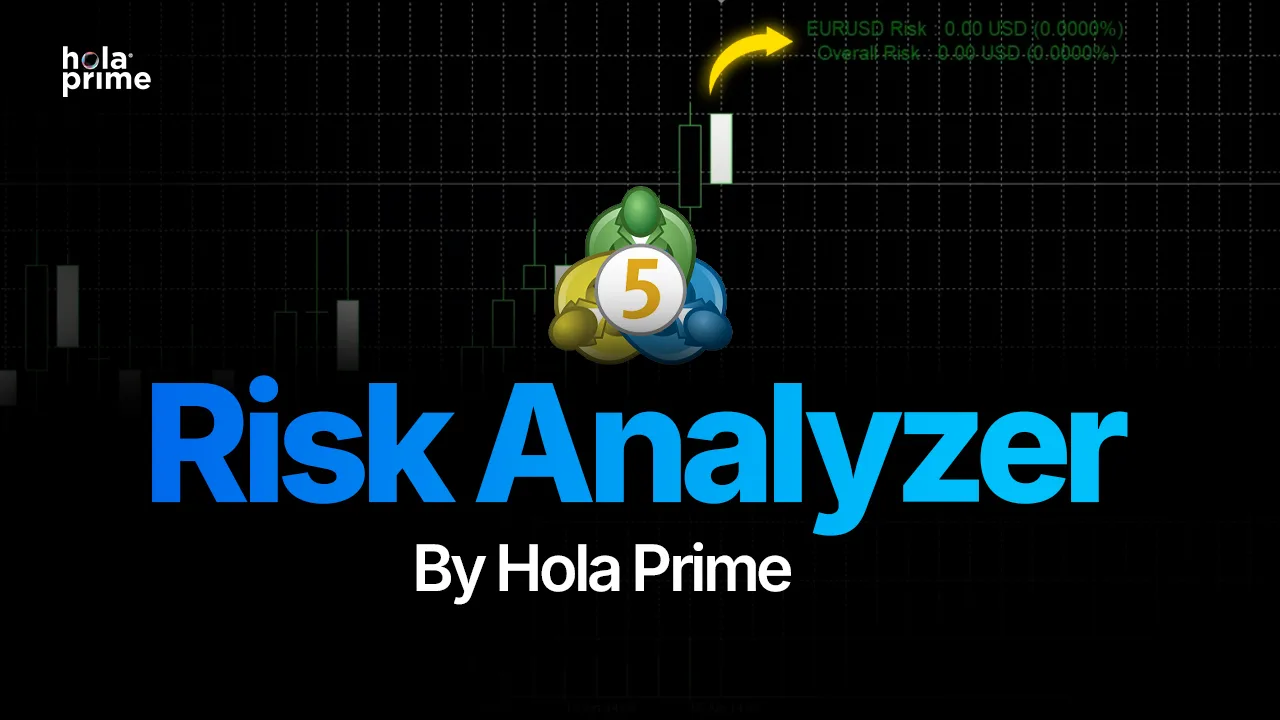
The Risk Analyzer helps traders understand exactly how much is the risk exposure before entering a trade. Instead of estimating potential losses manually, the indicator provides instant visibility into trade risk based on position size, stop loss placement, and account metrics. This allows traders to maintain consistent risk management and protect their trading capital.
- Calculate trade risk before entering a position
- Protect account capital from oversized positions
- Improve trading discipline
- Reduce emotional decision-making
- Maintain consistent risk per trade
- Eliminate manual risk calculations
- Make data-driven position sizing decisions
- Build long-term risk management habits
Overtrading Detector Indicator
This Indicator helps traders stay disciplined by monitoring their trading behavior in real time. It scores recent activity across the entire account against common revenge-trading and overtrading patterns, and gives a clear visual signal when it's time to slow down.
- Monitor your trading pace across your entire account in real time
- Detect larger position sizes following a losing trade
- See clear Okay, Review and High Activity status alerts
- Flag quick re-entries after closing a trade
- Track losing streaks and clusters of closed trades
- Pause before revenge trading or overtrading costs you
Daily Loss Indicator
The Daily Loss Indicator gives traders a real-time view of how much of their chosen daily loss limit has been used. Set it according to your account limit or personal risk plan, then monitor your available risk directly from the MT5 chart.
- Set your own daily loss percentage
- View current equity, start-of-day equity and breach level
- Know when to stop without doing the calculations yourself
- Track used and remaining daily loss in real time
- Monitor risk through a visual percentage gauge
- Spot overexposure before account flexibility becomes limited
Margin Aggregation & Stop-Loss Guidance Indicator
The Margin Aggregation & Stop-Loss Guidance indicator helps traders manage risk more clearly before and during a trade. It shows real-time margin usage across open positions and reminds traders when a stop loss has not been set, helping them avoid overexposure, oversized risk, and poor trade management decisions.
- Track total margin usage across open trades
- Get visual alerts when margin usage becomes high
- Avoid aggressive over-leveraging
- Reduce the chance of oversized losses
- Monitor account exposure in real time
- Identify trades without a stop loss
- Improve control over floating risk
- Support disciplined trade and risk management
News Trading Monitor
The Hola Prime News Monitor helps traders stay informed about upcoming economic events that may impact their trading decisions. It displays scheduled news releases directly on MT5 charts, highlights high-impact events, and provides countdowns and visual alerts before and during important announcements. With symbol-specific news monitoring and customizable alert settings, traders can better anticipate market-moving events, plan their trades, and manage exposure around economic news.
To set up the News Calendar, follow these steps:
Navigate to Tools > Options > Expert Advisors. Enable “Allow WebRequest for listed URL” and add the following URLs to the allowed list:
- https://news-factory-api-mql5.ondigitalocean.app
- https://api.holaprime.com
- https://news-factory-api-mowsr.ondigitalocean.app
Once all the URLs have been added, click OK to save the settings.
- Track upcoming economic news relevant to your trading instrument
- Get live countdowns to upcoming economic announcements
- Receive color-coded visual alerts for approaching and active news
- View news-event markers directly on your MT5 charts
- Monitor upcoming releases with automatically refreshed calendar data
- View high-impact news events and scheduled release times
- Identify active news windows before and after major releases
- Filter economic events by High, Medium, or Low impact
- Enable optional popup alerts when news windows begin
Frequently asked questions
Something left unanswered? Check out the full FAQs.
Yes. All currently available indicators can be downloaded and used free of charge.
The indicators are currently designed for MetaTrader 5 (MT5).
It calculates and displays the maximum lot size you can trade based on your account balance, available margin, leverage, and the instrument being traded.
Yes. While it is not a risk calculator, it helps traders understand their margin limits and avoid overleveraging their accounts.
The Risk Analyzer helps traders evaluate potential losses and position size before entering a trade, enabling better risk management.
No. Installation and usage are straightforward and require no programming knowledge.